 listicle
AI Literacy Tools for Elementary Students: 7 Top Picks
Table of Contents
- Why AI Literacy Tools Belong in Every Elementary Classroom
- Quick Comparison: AI Literacy Tools for Elementary Students
- 1. CodeAlgo Academy: Game-Based AI Learning Platform for K-8
- 2. Brisk Teaching: Beginner-Friendly AI for Lesson Planning
- 3. MagicSchool: An Education-Focused AI Platform
- 4. Eduaide.ai: Low-Cost AI Support for Teachers
- 5. Khanmigo, SchoolAI, Flint, and More: Tools Worth Knowing
- How to Teach AI to Kids Without Coding: A Practical Framework
- Frequently Asked Questions
Last Updated: October 21, 2026
Why AI Literacy Tools Belong in Every Elementary Classroom
AI literacy tools are classroom resources that help young students understand how artificial intelligence works, where it shows up in daily life, and how to use it responsibly, all without requiring teachers to hold a computer science background. At CodeAlgo Academy, we build for exactly this gap: K-8 classrooms where the teacher is enthusiastic but not technical, and the students learn best through play. That combination is more common than most edtech vendors admit.
Here is the uncomfortable truth most tool roundups skip. Elementary students are already interacting with AI through voice assistants, recommendation feeds, and chatbot homework helpers. The question is no longer whether they meet it. The question is whether anyone has taught them to question it. A Common Sense Media report on kids and AI found that most children use AI-powered products well before any adult explains how they work, which makes early classroom exposure a safety issue as much as a curriculum one.
Below, we break down the seven tools worth your attention in 2026, what each actually does, and how to run a first AI literacy unit even if you have never written a line of code.
Quick Comparison: AI Literacy Tools for Elementary Students
The table below summarizes our picks by best use case, pricing model, and whether the tool teaches AI literacy directly or supports the teacher behind the scenes.
| Tool | Best For | Pricing Model | Direct AI Literacy Lessons? |
|---|---|---|---|
| CodeAlgo Academy | Game-based AI, coding, and math for K-8 | See pricing page | Yes, built into curriculum |
| Brisk Teaching | Beginner-friendly teacher planning support | Free educator plan with limits | No, teacher-facing |
| MagicSchool | Education-focused AI platform | About $100/year for Plus | Partial, teacher-facing |
| Eduaide.ai | Low-cost teacher support | $49.99/year for Pro | No, teacher-facing |
| Khanmigo | Tutoring and guided practice | Not specified | Partial |
| SchoolAI | K-12 classroom AI platform | Not specified | Partial |
| Flint | K-12 AI platform for teachers | Not specified | Partial |
That split matters. Most tools on this list help the teacher work faster. Only a few put AI literacy in front of the student. Both jobs are worth doing, but they are not the same purchase.
1. CodeAlgo Academy: Game-Based AI Learning Platform for K-8
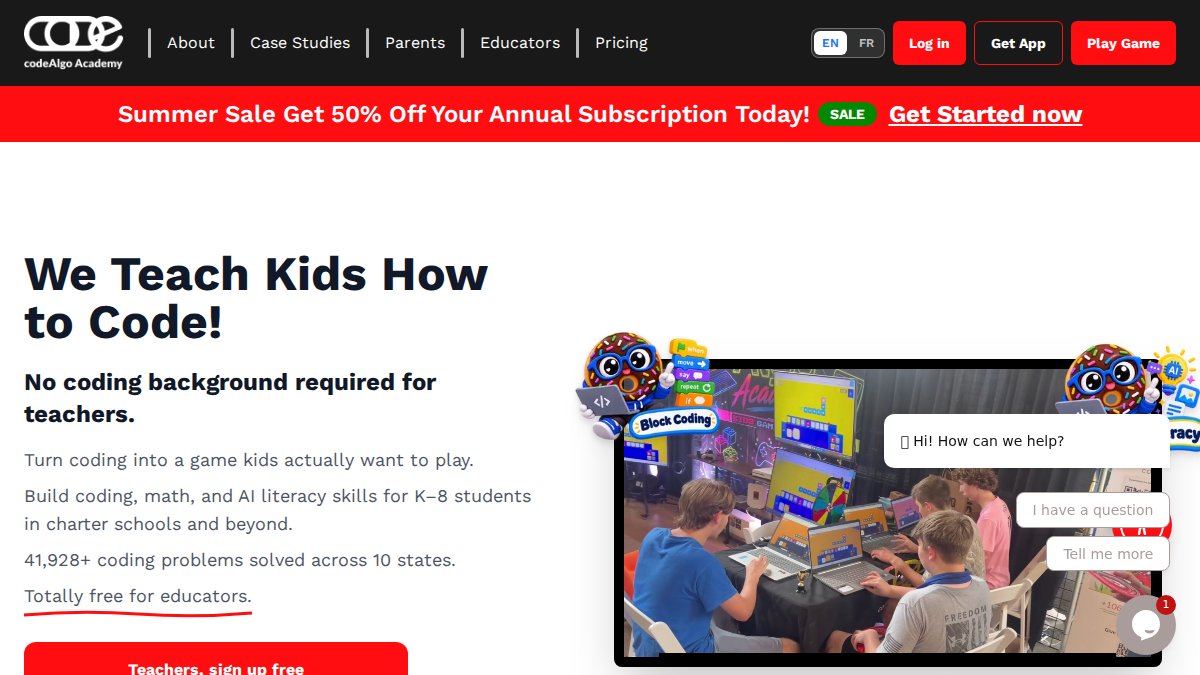
Our top pick for elementary AI literacy is CodeAlgo Academy, because it is the only tool here built to put AI, coding, and math concepts directly in front of K-8 students through game-based lessons, with no coding background required from the teacher. Students learn on web, iOS, and Android, and the curriculum is aligned to standards including CSTA and Common Core State Standards.
How CodeAlgo Teaches AI Without Coding
The platform turns abstract ideas into playable problems. Students solve puzzles, build small projects, and work through adaptive learning paths that adjust to their level. Teachers facilitate rather than lecture, which is the whole point: you do not need to explain a neural network to run a strong AI literacy lesson. You need a structure students can move through and a way to see what they understood.
A middle school teacher who brought the platform in described the effect this way: "CodeAlgo came to our middle school and made a tremendous impact on our future computer scientists. They were knowledgeable about their field and exhibited an enthusiasm for what they do that proved to be contagious."
Pricing and Classroom Fit
CodeAlgo Academy publishes its pricing on its website, and a free trial lets you test the platform with a real class before committing. For small charter schools, the practical questions are usually about setup and support rather than cost per seat, so ask about onboarding during the trial. The platform has supported 41,928+ coding problems solved across 10 states.
2. Brisk Teaching: Beginner-Friendly AI for Lesson Planning
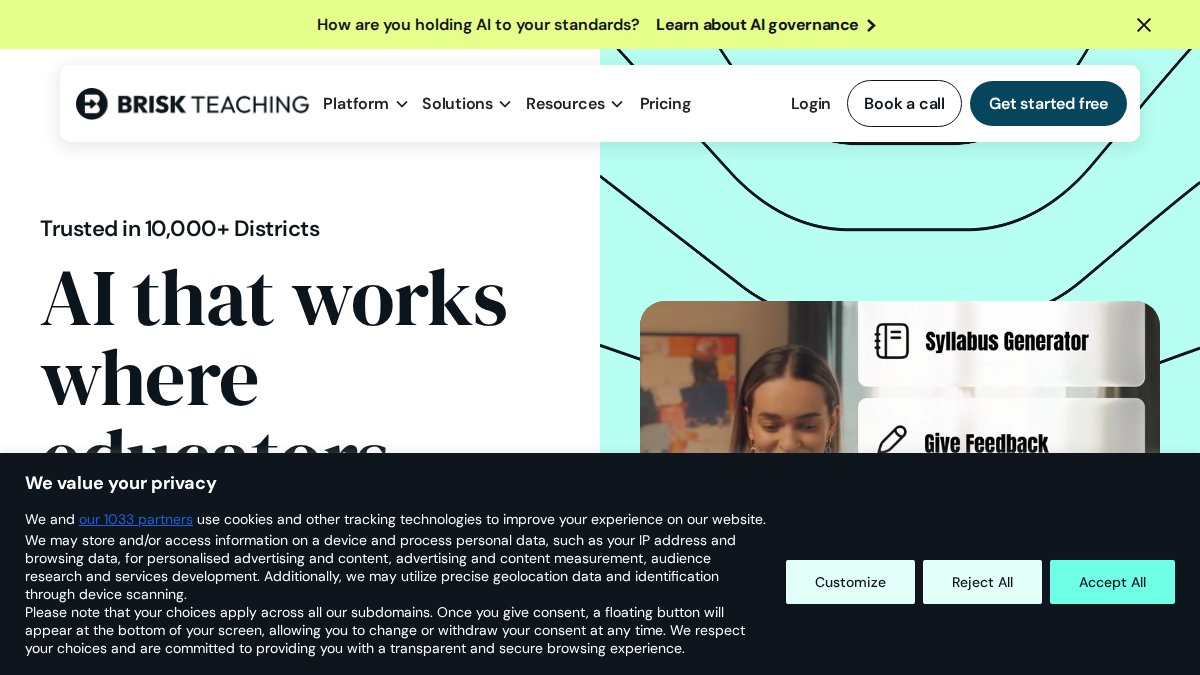
If your goal is to reduce your own workload before you teach AI, Brisk Teaching is the gentlest starting point on this list. It offers more than 35 educator tools covering lesson planning, student feedback, and assessment support, and its free educator plan is described as available indefinitely with no credit card required.
The honest limitation: the free plan has usage limits, and the supplied research does not establish that Brisk teaches elementary students AI literacy directly. Treat it as a teacher productivity tool, not a student curriculum.
3. MagicSchool: An Education-Focused AI Platform
MagicSchool appears in K-12 platform comparisons and teacher-tool roundups, which tells you it has real traction in schools. MagicSchool Plus is reported at about $100 per year, an annual subscription model that suits a single teacher or a small department.
What most reviews miss is the distinction between a platform built for teachers and one built for students. MagicSchool leans teacher-facing, and the supplied research does not detail elementary AI-literacy curriculum features. That does not make it a bad tool. It makes it a different purchase.
4. Eduaide.ai: Low-Cost AI Support for Teachers
Eduaide.ai is the budget entry here. Eduaide Pro is reported to cost $49.99 per year, and the tool appears in a university library guide to AI tools for teaching and learning, which is a modest but real credibility signal.
Where it falls short: the supplied research does not describe its features in detail or verify elementary-specific AI literacy content. If you need a cheap planning assistant, it is worth a look. If you need student-facing lessons, keep reading.
5. Khanmigo, SchoolAI, Flint, and More: Tools Worth Knowing
Several platforms appear repeatedly in K-12 comparisons without enough published detail to rank them confidently. Rather than repeat a list of logos, this section explains what each platform is generally known for, what to verify before adopting it, and how it fits an elementary AI literacy unit. The goal is not to crown a winner but to help you ask the right questions during a trial.
Khanmigo is Khan Academy's AI-powered tutoring and teaching assistant. In most descriptions it is positioned as a guided tutor for students and a planning aid for teachers, with guardrails intended to prompt rather than answer outright. For elementary AI literacy, the practical question is whether the student-facing experience teaches children to recognize AI, question its output, and verify claims, or simply delivers help. Ask for a sample elementary session and check whether the tutor explains its reasoning in kid-friendly language.
SchoolAI is described as a K-12 classroom AI platform, typically with teacher-controlled spaces and student-facing activities. The elementary-relevant question is account structure: does it require student logins, what data does it collect, and can a teacher run a whole-class demonstration without individual accounts? A platform that supports teacher-led, no-login demonstrations is easier to pilot in a school where parent consent and district approvals take time.
Flint appears in K-12 AI platform comparisons and teacher-tool roundups, generally as a teacher-facing assistant for planning and classroom workflows. Treat it as a productivity tool unless you can confirm student-facing AI literacy lessons at your grade level. The same caution applies to QuestionWell and ClassPoint, which show up in academic library comparisons of teaching and learning tools: they are useful for quiz and presentation workflows, but a quiz generator is not an AI literacy curriculum.
A common pattern in evaluations is to shortlist three platforms, request a sample lesson at your exact grade level, and run the same 20-minute activity with each. Compare on four criteria: whether the lesson teaches students to question AI output, whether it works without student accounts, what data the platform collects, and how much teacher preparation the lesson requires. That side-by-side test tells you more than any feature list.
How to Teach AI to Kids Without Coding: A Practical Framework
Teaching AI to kids without coding comes down to four moves: show them where AI already lives, let them test its limits, teach them to verify output, and give them a hands-on project that does not require an account or a paid plan.

Step 1: Name it in their world (15 minutes). Ask students where they have seen a machine guess what they want. Collect answers on the board. A simple script works: "Raise your hand if a tablet or phone has ever finished your sentence or suggested a video.
Step 2: Run an unplugged bias test (20 minutes). Give pairs a set of picture cards and ask them to sort "what a computer would guess" versus "what a person would know." Use familiar categories such as pets, foods, or jobs.
Step 3: Verify a claim together (20 minutes). Show a short AI-generated summary of a familiar topic, then check it against a trusted source as a class. A workable script: "This paragraph was written by an AI. Our job is to be fact detectives.
Step 4: Build something small (30-45 minutes). Use a game-based platform so students create and iterate without typing code. If you are evaluating options, our guide to CSTA K-12 computer science standards shows what a standards-aligned sequence should cover.
Assessing what students learned. You do not need a formal test. Use a simple three-point rubric with observable indicators: students can point to an example of AI in daily life (recognize), explain in their own words one thing AI cannot do well (explain limits), and describe one way to check AI output or protect private information (responsible use).
For privacy and age eligibility, check your district's acceptable use policy and the Federal Trade Commission's guidance on children's privacy before creating any student accounts. Where possible, run the first unit without accounts at all, using teacher-led demonstrations and unplugged activities.
Frequently Asked Questions
How can elementary teachers introduce AI concepts without coding skills?
Start with tools built for nontechnical teachers. Platforms like CodeAlgo Academy provide ready-made, game-based lessons that explain AI ideas such as pattern recognition and decision-making through play, so you do not need to write a single line of code. Pair short whole-class demos with student practice on tablets or laptops, then discuss what the AI did and why. The key is choosing a standards-aligned curriculum with lesson plans already written for you, so your prep time stays low and your confidence grows with each session.
What are the best AI literacy tools for elementary students?
The strongest options combine student-facing lessons with teacher support. CodeAlgo Academy covers coding, math, and AI literacy in one K-8 platform with adaptive learning paths. Brisk Teaching and MagicSchool focus on helping teachers plan and assess. Eduaide.ai offers a low-cost Pro plan for teaching workflows. For schools that want direct AI literacy instruction for young students, prioritize tools with game-based lessons, no student coding required, and clear progress data you can show administrators.
How does game-based learning help with AI literacy?
Game-based AI learning platforms turn abstract ideas into concrete choices students can see and adjust. When a child trains a simple classifier by sorting pictures or tweaks rules to see how outcomes change, they learn how AI makes decisions without needing any programming knowledge. Games also keep screen time purposeful: students solve problems, get instant feedback, and build critical thinking. Look for platforms with adaptive difficulty and progress tracking so you can confirm real skill growth, not just engagement.
Is it possible to teach AI literacy without a technical background?
Yes. Modern platforms handle the technical layer and give teachers scripts, slides, and lesson plans aligned to standards such as CSTA and Common Core. Your role is facilitation: ask questions, guide discussion, and connect AI examples to everyday life. Choose a tool with a free trial so you can test one lesson before committing. If your school uses a platform like CodeAlgo Academy, onboarding is designed for teachers with no coding experience, and support is available if technical issues come up.