 how-to
Should Your 8-Year-Old Learn Coding? A Parent's Guide
Table of Contents
- Is Your 8-Year-Old Ready to Learn Coding?
- Key Benefits of Coding for 8-Year-Olds
- Coding for 8-Year-Olds: Age-Appropriate Learning Tools
- Best Coding Apps for Kids: What to Look For
- Beginner Coding Projects for Kids: Your First Month
- Screen Time for Kids Learning to Code: Balance and Boundaries
- Measuring Progress Without Pressure
- Frequently Asked Questions
Last Updated: October 19, 2026
Is Your 8-Year-Old Ready to Learn Coding?
Should your 8 year old learn coding? Age alone is a weak signal, two 8-year-olds can need completely different answers.

Readiness is not a score but a pattern of behaviors you can observe over a week or two: interest, persistence, and comfort with simple instructions.
A practical readiness check you can do at home
Instead of guessing, run a short, low-pressure experiment: try a 15-minute block-based puzzle together, such as a free Scratch tutorial or a simple maze game, and watch what happens next.
- Interest: Does your child ask to keep going, or drift away after a few minutes?
- Persistence: When the character does not move as expected, do they try a second or third fix, or immediately hand the tablet to you?
- Instruction-following: Can they follow a two- or three-step direction ("drag this block here, then press the green flag") without you repeating it every time?
- Frustration tolerance: When something fails, do they stay calm enough to look at what changed, or does the session end in tears or anger?
What the signs usually mean
A child who enjoys puzzles, building toys, and strategy games often has an early feel for sequencing and cause-and-effect, the core of beginner coding.
But interest matters more than ability. A child who loves storytelling can build a choose-your-own-adventure game. A child who loves art can animate a character.
When waiting is the better choice
Not every 8-year-old should start now. If your child avoids screens, gets quickly frustrated by puzzles, or is already overscheduled, waiting six months costs little.
A useful rule of thumb: if a single 15-minute trial ends with your child asking to do it again, that is a stronger readiness signal than any checklist.
Key Benefits of Coding for 8-Year-Olds
Learning coding at eight builds skills your child will use for life, teaching thinking patterns that help in school, work, and everyday problem-solving.
Problem-solving and computational thinking
Coding teaches computational thinking: breaking big problems into smaller steps and thinking in sequences. This transfers to everything, math homework becomes easier, writing becomes clearer, and your child learns to plan before acting.
When a code block doesn't work, your child learns to debug by asking: What did I expect? What actually happened? What's the difference? That is the scientific method.
Creativity and self-expression through code
Coding is not just logic, it's creative. Your child can code games, animations, stories, or music. Many 8-year-olds are natural creators, and coding gives them a new medium: instead of drawing a character, they code it; instead of imagining a game, they build it.
A shy child might shine when building a game; a child who struggles in traditional classes might excel when solving code puzzles.
Math and reading skill development
Coding strengthens math skills through numbers, patterns, sequences, and logic, helping your child see math as useful rather than abstract. Reading improves too: code requires precision, so a single misplaced letter breaks everything. Coding makes math concepts concrete and practical.
Coding for 8-Year-Olds: Age-Appropriate Learning Tools
At eight, your child needs tools built for beginners, tools that feel like play, not school.
Visual, block-based programming
Block-based coding means your child drags and drops colored blocks instead of typing code. Each block is a command; snap them together in the right order and the program runs. It's perfect for 8-year-olds: results appear immediately, and with no typos to worry about, your child focuses on logic, not syntax.
Visual programming tools include:
- Scratch (free, very popular, large community)
- CodeAlgo Academy (game-based, standards-aligned, math-focused)
Game-based learning and projects
Game-based learning keeps 8-year-olds motivated, and project-based learning is equally important: your child shouldn't just solve puzzles but build something real, a game, an animation, a story, that they can share. The best tools combine both, using puzzles to teach concepts and projects to apply them.
Best Coding Apps for Kids: What to Look For
Choosing a coding app can feel overwhelming. Here's how to choose wisely.
Choosing a tool that matches your child's pace
Your child's pace matters more than the tool's features. Look for tools with adaptive learning paths that adjust difficulty to progress, so your child never feels bored or lost. Consider learning style too, visual learners thrive with colorful blocks, logical learners enjoy structured puzzles, creative learners want to build fast.
Beginner-friendly platforms without the cost barrier
Look for free or low-cost options first. Many excellent tools are free:
- Scratch (completely free)
- CodeAlgo Academy (offers a free trial and has pricing available on its website)
- Code.org (free, curriculum-based)
- Khan Academy's coding courses (free)
Paid tools typically cost $5-15 per month, which is reasonable if the tool works for your child, but start free and see if your child enjoys coding before paying. Avoid tools that require special equipment; a tablet or laptop is all your child needs.
Beginner Coding Projects for Kids: Your First Month
A first month should feel like play with a purpose, not a curriculum. The goal is for your child to build two or three small things they are proud of and end the month still curious. Two or three short sessions per week, 20-30 minutes each, builds momentum without burnout.
Week 1: Sequencing and cause-and-effect
The first week is about one idea: order matters. Your child learns that a program runs top to bottom, and that changing the order changes the result.
A simple session structure:
- Warm-up (5 minutes): Open the tool and let your child click around freely.
- One concept (5 minutes): Show a single block, such as "move 10 steps," and let them snap it in place.
- Mini-project (10-15 minutes): Ask them to make a character cross the screen or draw a square.
- Share (5 minutes): Have them show you what they made and explain what each block does.
Concrete week-one projects:
- Make a character move across the screen in a straight line.
- Create a repeating pattern (move, turn, move, turn) to draw a shape.
- Make a character say something when clicked.
- Build a two-step animation, such as a character jumping and landing.
By the end of the week, your child should be able to explain, in their own words, that the blocks run in order and that the order matters.
Week 2: Loops and simple conditions
Week two adds two ideas that unlock more interesting projects: repetition and simple decision-making.
- Loops: Show that a "repeat 4 times" block can replace four identical blocks. Ask your child to redraw last week's square using a loop.
- Conditions: Introduce a simple "if touching edge, bounce" or "if clicked, change color" block so your child sees that code can react to what happens on screen.
A good week-two project is a character that walks back and forth forever, or a sprite that changes costume when clicked, small, but they teach the logic behind almost every game.
Week 3: A small interactive project
Week three is where the pieces come together. Your child builds something a friend or family member can actually use.
Good options:
- A clicker game where tapping a sprite adds points.
- A simple quiz where a correct answer plays a sound or shows a message.
- A short animated story where the character moves when a key is pressed.
- A maze game where the character restarts if it touches a wall.
Keep the scope tiny: one screen, one mechanic, one win condition is plenty. A finished small project teaches more than an abandoned ambitious one.
Week 4: Debug, polish, and share
Week four is about finishing. Your child revisits the week-three project, fixes what does not work, and adds one small improvement, such as a score display, a sound, or a new color.
This is also the week to practice debugging out loud. Ask three questions:
- What did you expect to happen?
- What actually happened?
- What is one thing you could change to test an idea?
Then have your child show the finished project to someone. Sharing is the reward, and it reinforces that coding is a way to make things for other people.
A realistic time budget
- Two to three sessions per week, 20-30 minutes each.
- One longer weekend session of 45 minutes if your child is eager.
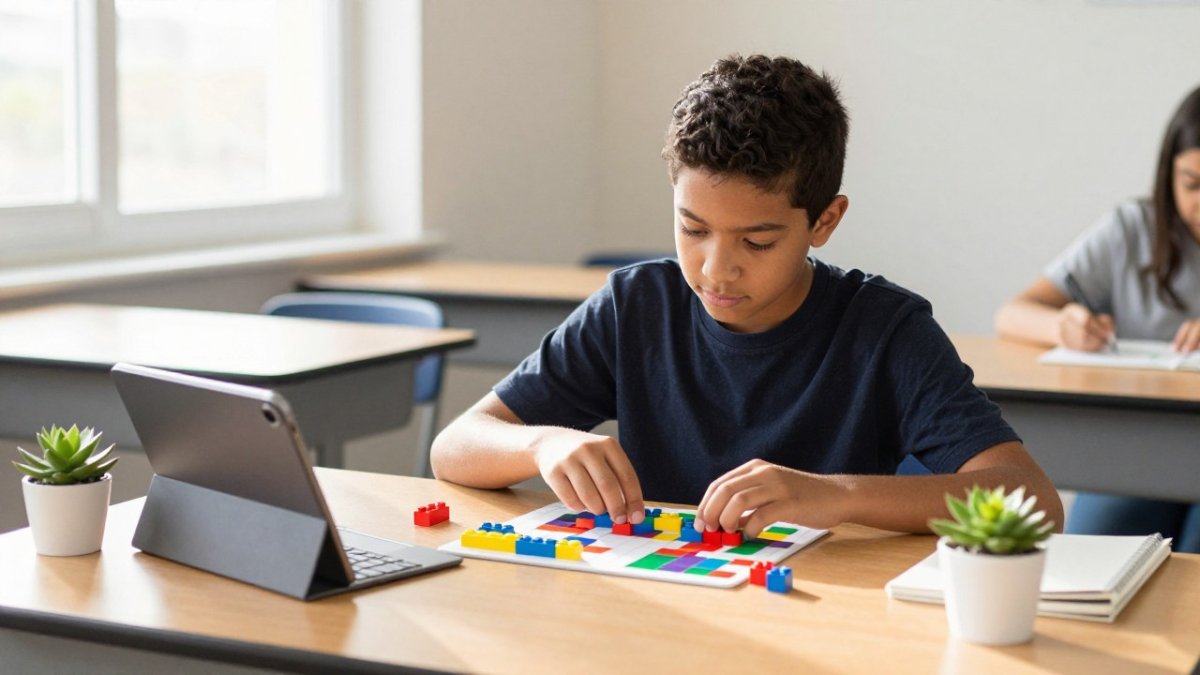
- At least one offline logic activity per week (a puzzle, a board game, or a building project) to balance screen time.
If a session ends in frustration, stop and return the next day. A missed session costs nothing; a forced one can cost interest.
Screen Time for Kids Learning to Code: Balance and Boundaries
Screen time concerns parents, and rightly so, but purposeful screen time is different from passive watching. Coding is active: your child thinks, creates, and solves problems. Still, balance matters.
Healthy coding sessions without burnout
Limit sessions to 30-45 minutes for 8-year-olds; attention drops after that, and quality matters more than quantity. Take breaks between sessions, play outside, read a book, do something physical. If your child is stuck and getting angry, stop and come back tomorrow, since fresh eyes often solve problems that seem impossible today.
Offline alternatives and hands-on activities
Coding isn't the only way to build computational thinking, offline activities teach the same skills without screens:
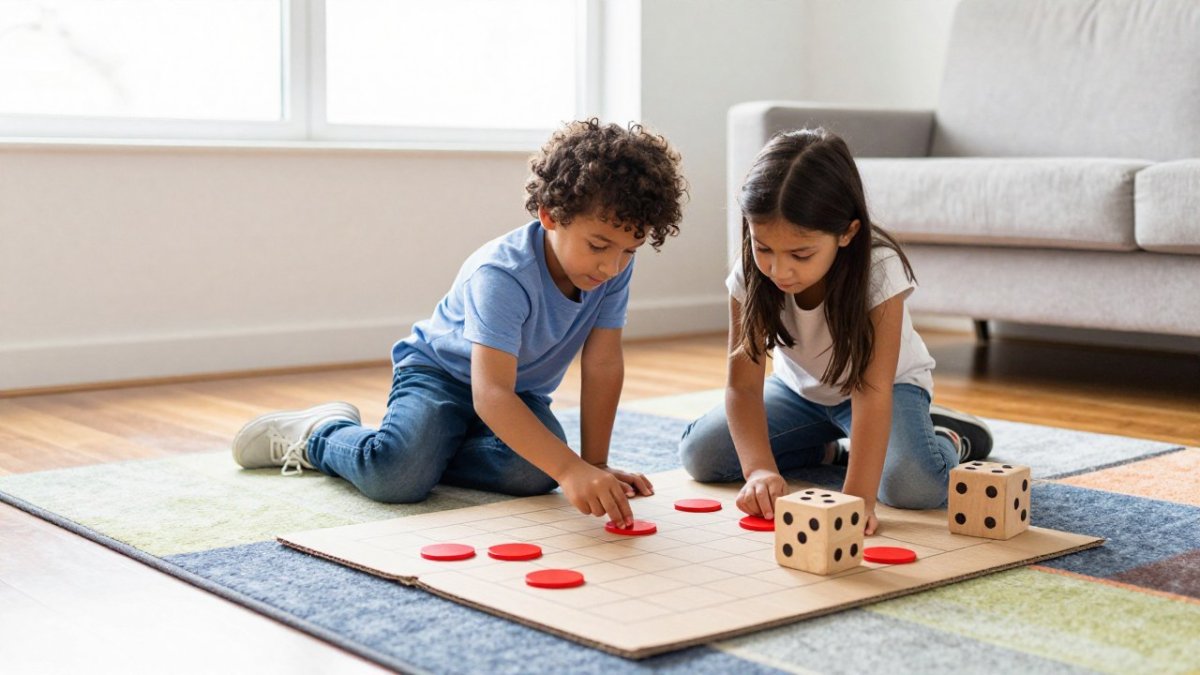
- Board games that require strategy (chess, checkers, Catan)
- Puzzle games and logic puzzles
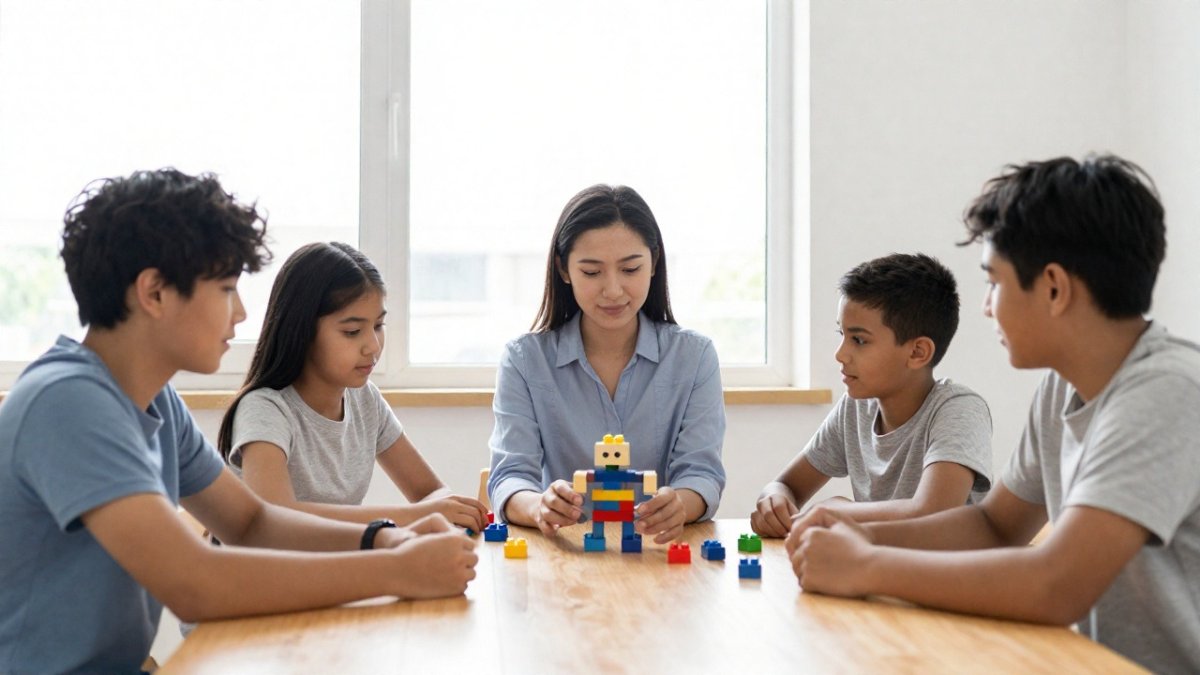
- Building with blocks, LEGOs, or construction kits
- Robotics kits (many work without screens)
These activities teach sequencing, logic, and problem-solving while giving your child's eyes and hands a break. Mix both: a week might include two coding sessions and three offline logic activities.
Measuring Progress Without Pressure
How do you know if coding is working for your child? Don't rely on tests.
Progress looks like:
- Building more complex projects than before
- Solving problems without asking for help
- Explaining their code to you
- Trying new things without fear
- Staying focused longer
These markers matter more than scores or levels.
Don't push coding if your child isn't interested. Some 8-year-olds love it; others prefer different activities.
Your 8-year-old can learn coding.
CodeAlgo Academy makes it easy to start. Our platform teaches coding and math skills through game-based learning that feels like play.
Frequently Asked Questions
Is 8 a good age for a child to start learning coding?
Eight is an ideal age to introduce coding. At this age, children have developed the logical thinking and sequencing skills needed to understand basic programming concepts. They can follow multi-step instructions, recognize patterns, and think through cause-and-effect relationships. Block-based visual coding tools make it accessible without requiring reading or math proficiency as prerequisites. Many children thrive with coding at 8, though readiness varies by individual.
How can I tell if my 8-year-old is ready to learn coding?
Look for signs like your child enjoying puzzles, following multi-step instructions, showing curiosity about how things work, and having patience for trial-and-error problem-solving. Readiness isn't about age alone, it's about attention span, interest level, and comfort with trying new things. If your child gets frustrated easily or has limited screen time tolerance, start with shorter sessions or offline coding activities like robotics or unplugged coding games before moving to digital tools.
What are the main benefits of coding for elementary school students?
Coding develops critical thinking, problem-solving, and computational thinking skills that extend far beyond programming. It strengthens math and reading comprehension, improves attention to detail, and builds logical reasoning. Children also gain confidence through creating real projects, learn persistence when debugging code, and develop digital literacy for a technology-driven future. These skills support academic growth across subjects while building creativity and self-expression.
How much screen time should an 8-year-old spend on coding activities?
Start with 20-30 minute sessions, 2-3 times per week. This allows focused learning without screen fatigue. Quality matters more than quantity, purposeful coding time with a clear goal is more valuable than extended passive screen use. Balance digital coding with offline alternatives like robotics kits, unplugged coding games, or hands-on projects. Monitor your child's engagement and adjust based on their attention span and overall daily screen time limits.