 how-to
Teach STEM Without Coding: A How-To Guide
Table of Contents
- Can You Teach STEM Without Coding?
- No-Tech STEM Activities for Kids That Build Real Skills
- Unplugged Computer Science Activities That Teach Computational Thinking
- How to Teach Problem-Solving to Kids Through STEM
- When Coding Fits and When It Doesn't
- Assessing STEM Learning Without Coding
- Getting Started: Teacher Preparation and Resources
- Frequently Asked Questions
Last Updated: October 12, 2026
Can You Teach STEM Without Coding?
Yes, you absolutely can teach STEM without coding. At CodeAlgo Academy, we've worked with K-8 teachers who've found that teaching STEM without coding opens doors to deeper learning for students intimidated by programming, strong STEM foundations don't require a single line of code.
The real question isn't whether you can teach STEM without coding, it's whether you're building the right skills.
Many educators feel pressure to add coding to every lesson, assuming coding equals STEM. It doesn't.
The truth is simpler than most guides suggest: teach STEM without coding when it serves your students' learning goals. Use coding when it's the right tool for the job.
No-Tech STEM Activities for Kids That Build Real Skills
Hands-on, no-tech STEM activities build confidence and competence because students see immediate results and understand exactly what they're doing.
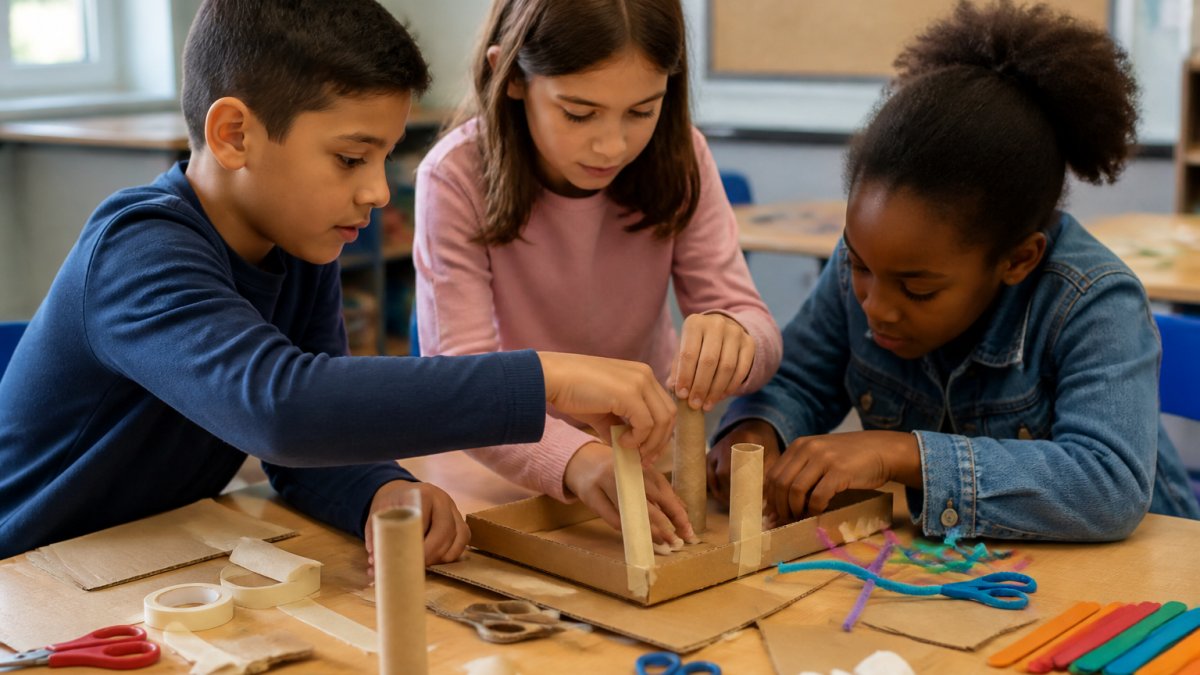
Engineering Design Challenges
Engineering design challenges are the backbone of no-tech STEM: students face a real problem and build a solution from materials at hand. Start with constraints, "Build a bridge that holds 5 pounds using only spaghetti, marshmallows, and tape. You have 20 minutes." Constraints force creative thinking; without limits, students don't engage with the real challenge.
The design process unfolds naturally:
- Students sketch ideas
- They build a prototype
- They test it
- It fails (almost always)
- They redesign and try again
This cycle teaches iteration and experimentation better than any lecture: failure is data, not defeat.
Other no-tech engineering challenges that work:
- Build the tallest tower from index cards and tape
- Create a container that protects an egg dropped from five feet
- Design a catapult that launches a pom-pom into a target zone
- Build a marble run from paper tubes and cardboard
Each challenge teaches engineering thinking without touching a computer.
Data Collection and Analysis Without Computers
Students can collect, organize, and analyze real data using paper, pencils, and simple tools, building the same data literacy spreadsheets teach, but with deeper understanding.
Have students measure rainfall with a homemade rain gauge daily for two weeks, then organize it: Which day had the most rain?
This teaches data thinking: data tells stories, and numbers without context mean nothing.
Other data collection activities:
- Track plant growth over time (measure, record, graph)
- Survey classmates about favorite books and create a tally chart
- Record temperature at different times of day for a week
- Count insects in the schoolyard and categorize by type
- Measure shadows at different times and look for patterns
Students own the data. They collected it, organized it, and found meaning in it. That ownership creates real learning.
Unplugged Computer Science Activities That Teach Computational Thinking
Computational thinking, breaking problems into steps, finding patterns, and creating sequences, can be taught without computers.
Binary and Patterns: Teach binary using cards or coins.
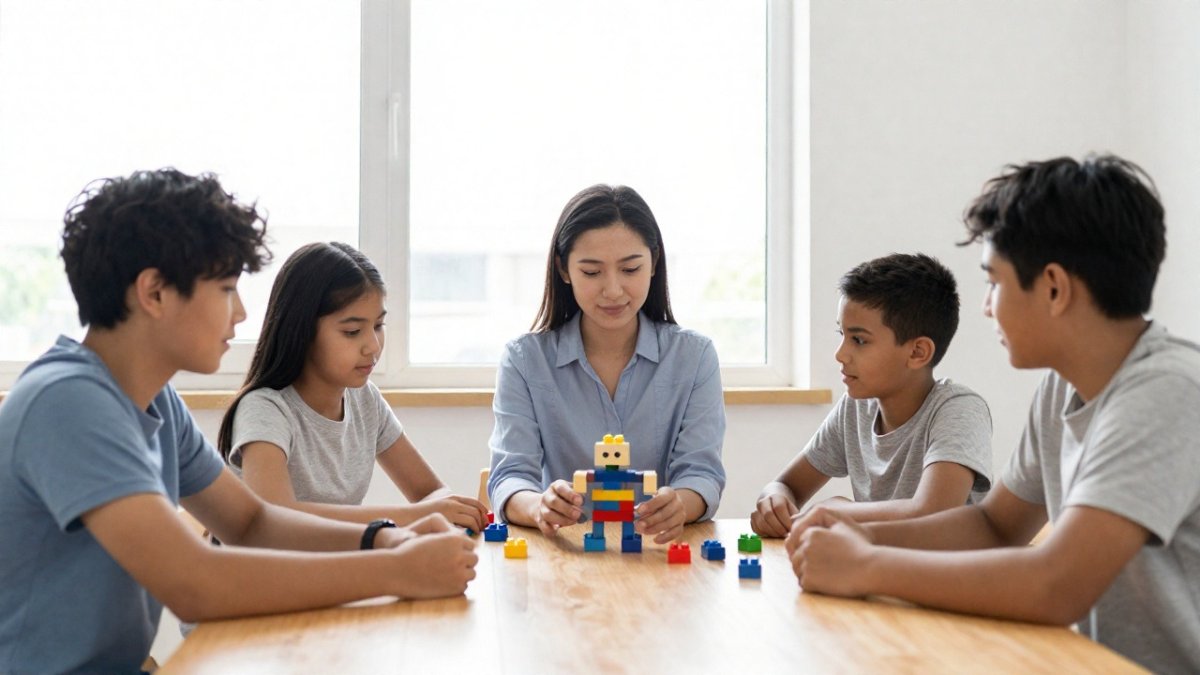
Sequencing and Logic: In a "robot" activity, one student gives step-by-step instructions to another (the "robot") to make a sandwich or draw a picture.
These activities work because they're concrete: students touch the materials and feel the "aha" moment when they understand how a system works.
How to Teach Problem-Solving to Kids Through STEM
Problem-solving is the core skill. Coding teaches one version of it. STEM without coding teaches the same skill through different doors.
The Design Process as a Problem-Solving Framework
The design process gives students a repeatable framework for any problem, building a bridge, designing a water filter, or creating a game. The steps:
- Identify the problem clearly
- Brainstorm possible solutions (no judging yet)
- Choose one solution to try
- Build or test it
- Evaluate: Did it work? What would you change?
- Try again
Students learn that problem-solving isn't linear: you solve, test, learn, and solve better. This mindset transfers to math, writing, social conflicts, and life.
Iteration and Experimentation Without Technology
Iteration, doing something again and doing it better, is the engine of all learning. Have students design and test paper airplanes: a basic fold doesn't go far, adjusting the wing shape makes it go farther, adding a paperclip weight changes the flight. This is the scientific method in action: hypothesis, test, observe, adjust, repeat. No computer required, and the learning is deeper because students see cause and effect immediately.
When Coding Fits and When It Doesn't
Most guides skip the hardest question: how do you actually decide? Run any planned activity through these four filters.
A Four-Filter Decision Framework
1. Learning objective. What should students walk away understanding?
2. Student age and developmental stage. Early elementary students are still building the concrete-operational foundation abstract code depends on, so manipulatives, building, and measurement do more than syntax.
**3.
4. Teacher expertise and preparation time. If you're comfortable debugging a student's code, coding can be a powerful tool.
A Quick Decision Table
| If your goal is... | Coding is... | Better alternative |
|---|---|---|
| Teach a science concept | Usually optional | Hands-on experiment, data collection |
| Teach engineering design | Usually optional | Build-test-redesign challenges |
| Teach data literacy | Optional | Paper graphs, tally charts, hand measurement |
| Teach computational thinking | Optional | Unplugged sequencing, sorting, binary |
| Teach computer science | Required | Block-based or text-based coding |
| Automate a repetitive task | Helpful | Spreadsheet formulas, if available |
| Process a large dataset | Helpful | Spreadsheet or calculator |
Two Worked Examples
Third-grade simple machines. The objective is for students to feel how levers and pulleys change force. Coding adds nothing, a student who simulates a lever has not felt the lever. Build the lever, load it, measure the lift, adjust the fulcrum.
Fifth-grade weather data. The objective is for students to see patterns in a dataset.
When Coding Is the Wrong Answer
Skip coding when the objective is physical intuition, devices are scarce, students aren't ready for abstraction, or the coding itself would consume the entire lesson. Forcing code where it doesn't belong teaches students that STEM is about typing, not thinking.
Assessing STEM Learning Without Coding
You can measure STEM learning without tests or computers. Observation and real work samples tell you what students actually understand.
Watch students solve a problem: Do they ask good questions, test their ideas, learn from failure, and adjust their approach?
Keep a portfolio of student work:
- Design sketches and final builds
- Data collection sheets and hand-drawn graphs
- Written reflections: What worked? What didn't? What would you do differently?
- Photos or videos of students working through challenges
Review these artifacts over time to see growth in how students approach problems, not just whether they got the "right" answer. Simple rubrics help:
- Problem-Solving: Does the student break the problem into steps?
- Creativity: Does the solution show original thinking?
- Iteration: Does the student test, observe, and adjust?
- Communication: Can the student explain their thinking?
Score each on a simple scale. Over a semester, you'll have clear evidence of growth.
Getting Started: Teacher Preparation and Resources
You don't need coding experience to teach STEM, you need a plan for the constraints you actually have: budget, space, time, and student needs.
A Low-Cost Materials Kit
Most no-tech STEM activities run on a small set of reusable materials. A workable starter kit:
- Cardboard (free from recycling; ask families and local shops)
- Masking tape and painter's tape
- Index cards
- Straws
- Rubber bands
- Paper clips
- String
- Rulers and measuring tape
- Kitchen scale (one per class is enough)
- Stopwatch or phone timer
- Plastic cups and small containers
A kit like this costs very little and covers dozens of engineering, data, and measurement activities. Restock consumables (tape, straws, cups) a few times a year. Everything else lasts.
Budget Tiers
Zero-budget. Cardboard, tape, paper, and recycled containers. Engineering challenges, paper airplanes, marble runs from paper tubes, data collection with hand-drawn graphs.
Low-budget (a few classroom dollars per month). Add straws, rubber bands, string, foil, and a kitchen scale.
You do not need to buy everything at once. Start with what you have and add one item per month.
Accessibility and Classroom Constraints
No-tech STEM is often the most accessible version of STEM: students who struggle with typing, have fine-motor differences, or are still learning English can participate fully when the task is physical and visual.
A few practical adjustments:
- Offer multiple ways to record data: drawing, tallying, dictating to a partner, or using a pre-printed table.
- Allow students to work in pairs so one can hold and one can measure, then swap.
- Keep instructions short and show a finished example.
- Use consistent materials across activities so students build familiarity.
- Provide sentence starters for written reflections ("Our design failed because...", "Next time we would...").
With limited floor space, design challenges can be done at desks with smaller materials; with no sink, water activities can be replaced by dry measurement tasks.
A First-Week Plan
Don't try to overhaul your STEM teaching in one week. A realistic first step:
- Day 1. Run one 30-minute engineering challenge (tallest index-card tower). Observe how students approach it.
- Day 2. Debrief. Ask what worked, what failed, and what they would change. Introduce the design process vocabulary.
- Day 3. Run a short data activity (measure and record the length of five objects, then graph).
- Day 4. Try one unplugged computational thinking activity (the "robot" sandwich instructions).
- Day 5. Reflect on which activity produced the most engagement and thinking. Plan to repeat that format next week.
You'll learn more from running one activity than from reading ten guides.
Professional Development That Actually Helps
Look for workshops on design thinking, engineering in the elementary classroom, and unplugged computer science. Many districts, regional education service agencies, and science teacher associations offer these at low or no cost. The most useful sessions are the ones where you build something yourself, you'll remember the frustration and the breakthrough, and that memory helps you coach students through the same experience.
Building a Community of Practice
Find two or three colleagues who want to try the same activities, and share what worked, what failed, and what you'd change. A shared folder of activity cards, rubrics, and student examples saves everyone time and makes the work sustainable. If your school has a science or STEM lead, ask them to observe one lesson and give feedback.
Frequently Asked Questions
Can you teach STEM without knowing how to code?
Absolutely. STEM encompasses science, technology, engineering, and mathematics, coding is just one tool within it. Many hands-on STEM activities focus on engineering design, experimentation, data collection, and problem-solving without any programming. Teachers without technical backgrounds can successfully teach STEM by using unplugged activities, design challenges, and inquiry-based learning. The core skills students develop, critical thinking, collaboration, and iteration, happen through doing, not through coding syntax.
What are some unplugged computer science activities that teach computational thinking?
Unplugged computer science uses physical objects and activities to teach concepts like algorithms, sequencing, and logic. Examples include: having students write step-by-step instructions for a classmate to follow (teaching algorithms), using flowcharts drawn on paper to solve problems, playing games like Battleship to introduce binary logic, and creating human 'flowcharts' where students physically move through a process. These activities build computational thinking, the ability to break problems into steps and think logically, without touching a device.
How do you assess whether students are actually learning STEM skills without coding?
Assessment without coding focuses on observable skills and outputs. Watch how students approach problems: Do they break challenges into smaller steps? Do they test ideas and learn from failure? Do they collaborate and explain their thinking? Collect evidence through design portfolios (photos and sketches of prototypes), observation checklists during hands-on activities, student reflections on what worked and what didn't, and presentations where students explain their problem-solving process. These methods show real learning in critical thinking, engineering practices, and mathematics without requiring any programming assessment.
When should I introduce coding versus stick with non-coding STEM activities?
Introduce coding when students have already built foundational problem-solving and computational thinking skills through unplugged activities. Coding is most effective when students understand sequencing, logic, and debugging concepts from hands-on work first. Consider your students' grade level (K-2 benefit most from physical activities; grades 3-5 can start exploring visual programming if desired), their confidence with technology, and your learning goals. If your goal is engineering design, data analysis, or hands-on experimentation, non-coding STEM is often more direct and engaging than coding.